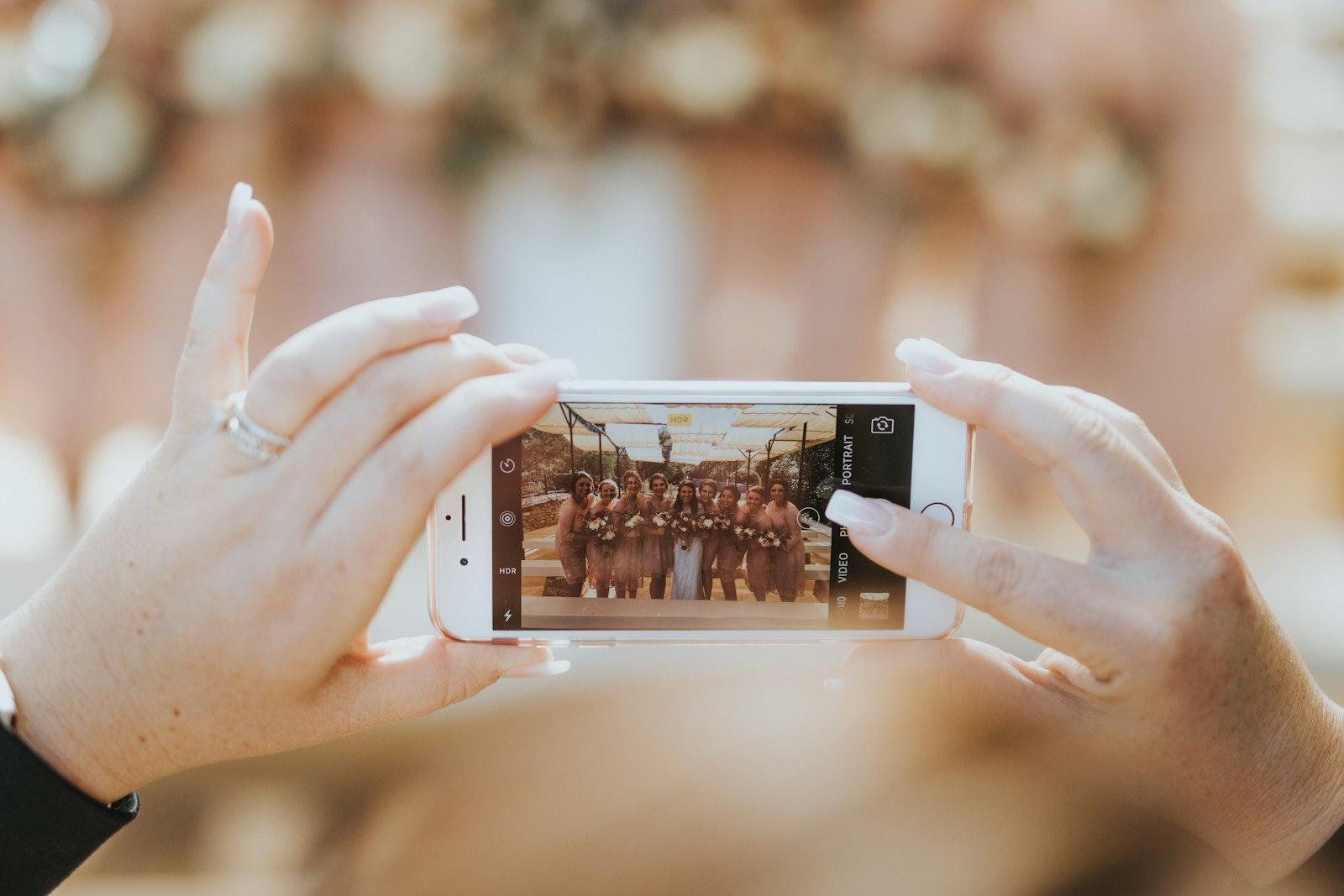
Ask any couple a month after the wedding what they're missing, and the answer is rarely the professional photos. Those arrive, beautifully edited, in a gallery link. What's missing is everything else: the blurry dance-floor shot your college friend took, the aunt's video of the speech, the picture of the kids under the table. Those photos exist. They're just scattered across a hundred phones, and most of them will never leave.
A wedding photo sharing app (or a QR code, or an NFC tag) is how you get them back. This post compares the three approaches honestly, including where each one falls down, so you can pick the one your guests will actually use.
The real problem: guests, not technology
Every option on this list can technically collect photos. What separates them is how much effort they ask of a guest who is two drinks in, holding a plate, and not especially interested in downloading anything.
It's also a numbers game. The Knot's survey of roughly 10,000 US couples married in 2025 put the average wedding at 117 guests (The Knot). In Sri Lanka, where we build and run Tapoir, guest lists of 200 or 300 aren't unusual. At that size, even a small barrier, like "sign in first", quietly loses you a lot of photos.
117
average US wedding guest count for couples married in 2025
The Knot Real Weddings Study
100
maximum participants in an Apple shared album, owner included
Apple Support
2048px
long-edge size photos were shrunk to in older Apple shared albums
Apple Support
The three ways to collect guest photos
1. A shared album in an app guests already have
Google Photos and Apple's Shared Albums are free and familiar. With Google Photos, sharing an album by link means "anyone with the link can view the photos and add to the album", and Google will make a QR code for the album too (Google Photos Help).
The catches are about fit, not quality. Apple's shared albums cap participants at 100 including the owner, which is smaller than the average guest list. Albums created on older software also had a 5,000-item limit and reduced photos to 2,048 pixels on the long edge; Apple says albums created on version 27 or later keep originals at full resolution (Apple Support). And either way, guests on the "other" platform get a second-class experience, and anyone with the link can usually see everything.
2. A QR code that opens an upload page
A card on each table with a QR code that opens a web page: "Add your photos". No app, no account. Most phone cameras read QR codes directly, so the barrier is low.
The weak points are physical. Table cards get moved, covered in napkins, or never noticed. The QR code is only in front of guests while they're seated, which isn't when the best photos are taken. And a code printed once can't be changed if the link breaks.
3. An NFC tag that opens the same page with a tap
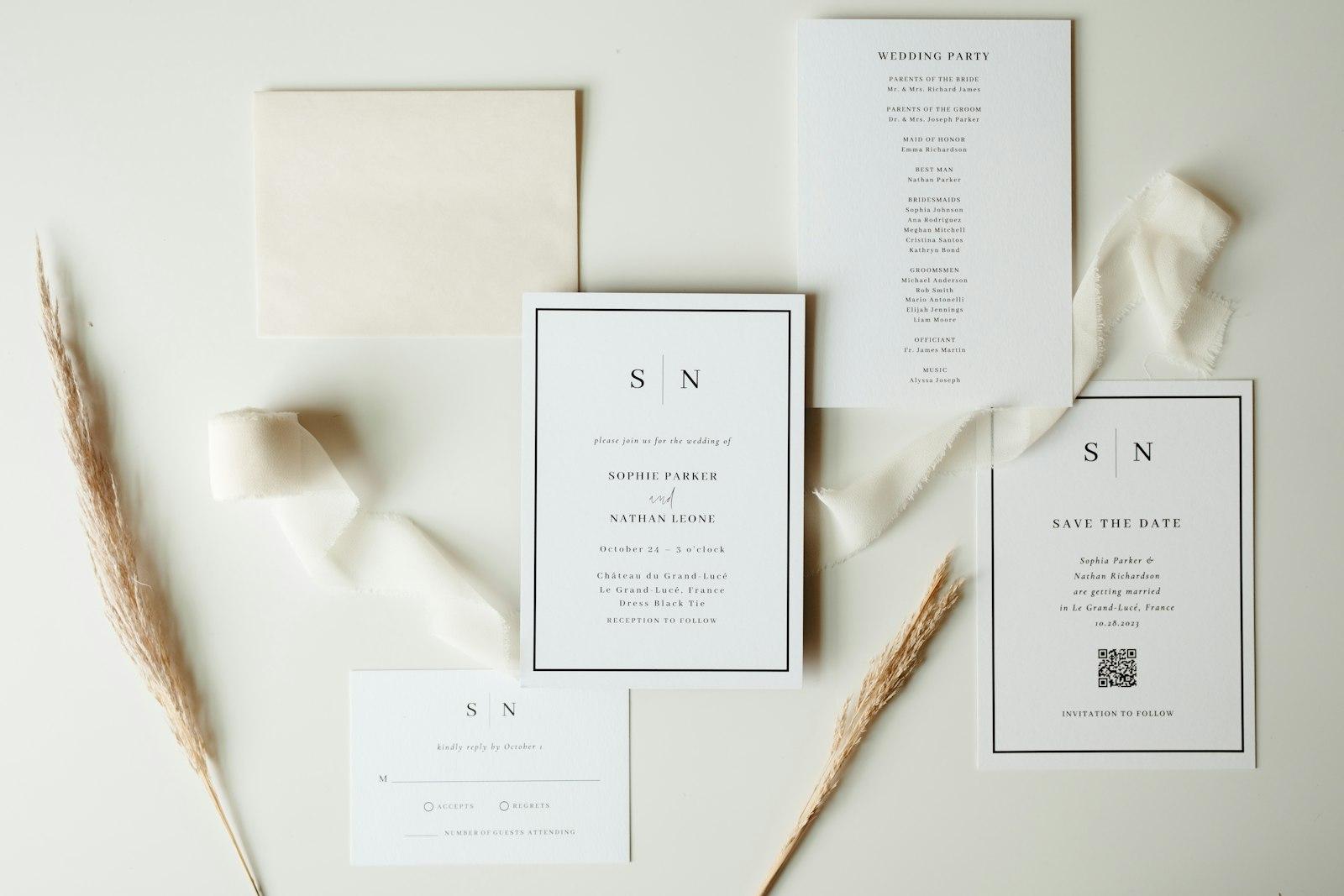
An NFC tag holds a web link, just like a QR code, but opens it with a tap instead of a scan. We explained the mechanics in how NFC wedding invitations work. The difference for photo sharing is where the tag lives: on the invitation, a keychain, or a place card that guests carry home. The upload page is in their pocket before the day, during it and after it.
Its weak spots: older iPhones need a manual step to read tags, some budget phones have no NFC at all, and tags cost more than printing a code. That's why we always print a QR code next to the tag.
Side by side
| Shared album (Google / Apple) | QR code upload page | NFC tag + upload page | |
|---|---|---|---|
| Guest needs | The right app, often an account | A phone camera | A tap (QR fallback for older phones) |
| Works across iPhone and Android | Partly. Each favours its own platform | Yes | Yes, with the QR fallback |
| Photo quality | Good; older Apple albums were downsized | Full size if the page allows it | Full size if the page allows it |
| Guest limit | 100 participants on Apple | None by design | None by design |
| Who can see the photos | Usually anyone with the link | Whatever the page allows | Whatever the page allows |
| Still useful after the wedding | Yes, if guests keep the link | Rarely; the card is thrown away | Yes; the tag goes home with them |
| Cost | Free | Printing, plus the upload service | Tags, plus the upload service |

When the photos actually get taken
The comparison above misses one thing: timing. Guests don't take photos at one moment, so the upload link needs to be in reach across the whole day, not just at the dinner table.
- Morning
Getting ready
Bridal party and family photos. Guests aren't at the venue yet, so table cards can't help. A link on the invitation can.
- Ceremony
Phones up, heads down
Lots of photos, little time. Nobody uploads now; they upload later if it's easy.
- Reception
The best candids
Speeches, first dance, dance floor. This is where QR cards and NFC tags do their work.
- Next day
The quiet upload window
Guests scroll through their camera roll on the way home. If the link isn't in their pocket, these photos never arrive.
- Weeks later
The anniversary of 'send me those'
Couples chase friends for photos. A permanent gallery link turns that into a one-tap reminder.
What a good guest upload screen looks like
Whichever route you choose, the screen a guest lands on matters more than the technology that got them there. It should open in the browser, ask for nothing but the photos (an optional name is fine), and show that other people's photos are already arriving, which is the best nudge there is.
Here's how that looks in Tapoir's gallery tab, where guests "share a moment" from the invitation they already have.
Nethmi & Ravindu
Live gallery · 48 moments
 2m
 5m
 9m
 14m
 21m
 30m
Share a moment
Your name (optional)Add photosNotice what isn't there: no sign-up, no app download, no "create an account to continue". The newest photos appear at the top with how long ago they were added, so a guest opening the page during the reception sees the party happening in real time.
Privacy is part of the decision
A wedding gallery is full of children, family and people who didn't sign up to be online. Before choosing a tool, check:
Questions to ask any wedding photo sharing service
- Is the gallery private by default, or can anyone with the link see it?
- Can the couple remove a photo a guest regrets uploading?
- Are photos stored at full resolution, and can we download everything at once?
- Is the gallery indexed by search engines? (It shouldn't be.)
- How long are photos kept, and what happens when the service ends?
- Does it work for guests who don't want to install anything or create an account?
If the honest answer to the first question is "anyone with the link", treat the link like a house key: share it with guests, not on a public social post.
Our recommendation
For a small wedding where everyone is on the same phone platform, a shared album in Google Photos or Apple Photos is free and perfectly good. For anything bigger or mixed, use a browser-based upload page so nobody is excluded, and put the link somewhere guests will still have it the next morning. A QR card on the table is the minimum. A tag on the invitation or a keepsake is better, because it travels home with them.
Planning a gallery or guest experience for an event that isn't a wedding? The same approach works for launches, conferences and venues. Tell us about it.