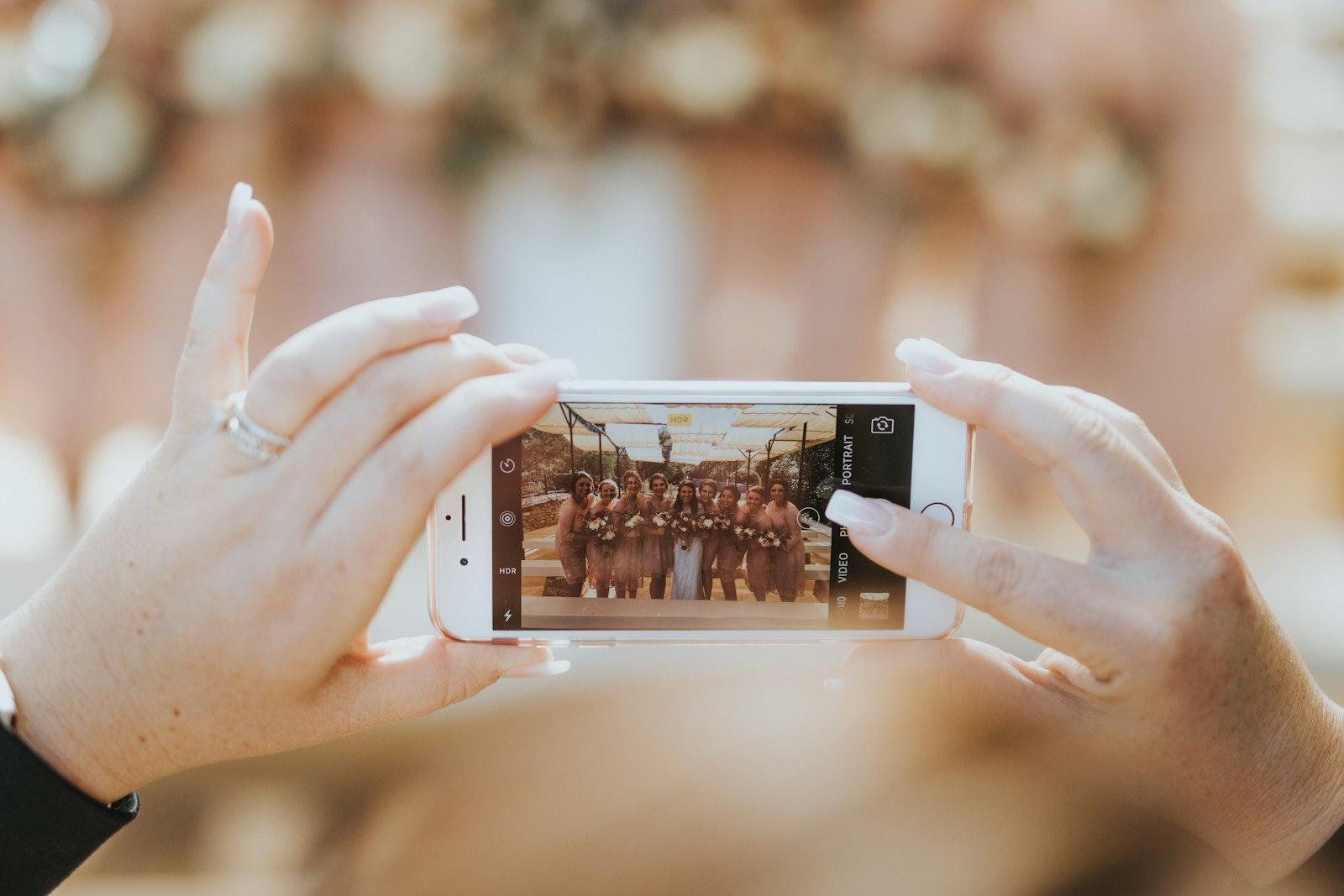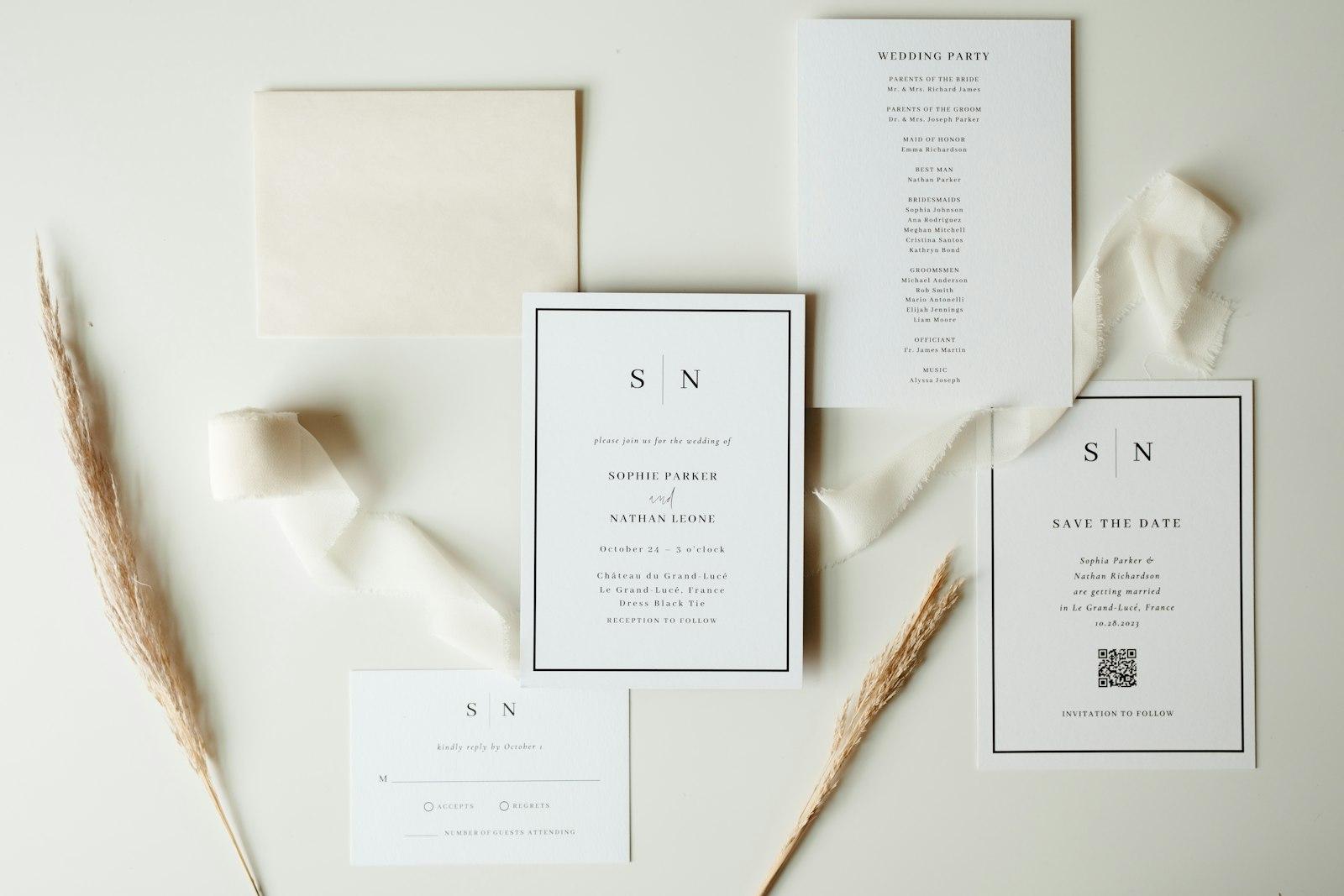
A wedding invitation has always had to do two jobs at once. It has to feel special enough to keep on the fridge for three months, and it has to carry practical information: the date, the venue, the dress code, how to get there, when to RSVP. Paper is wonderful at the first job and stubborn about the second. Print the wrong time and you're reprinting.
NFC wedding invitations split those jobs. The card stays a beautiful physical object. A tiny chip inside a sticker, keychain or disc carries a link, and a guest taps it with their phone to open everything that changes, lives or simply doesn't fit on card stock.
Here's how that actually works, which phones can read it, and what we've learned about making sure every guest, not just the tech-savvy cousins, gets in.
What's inside an NFC invitation
NFC stands for near-field communication, the same short-range radio your phone uses for contactless payments. An NFC tag is a small chip with an antenna, usually thinner than a coin, sealed into a sticker, a card or a keyring.
The useful part for invitations: the tag has no battery. According to the NFC Forum, the industry body behind the standard, a tag in most cases "does not require a battery", harvesting its power from the phone that reads it. That means nothing to charge, nothing to switch on, and nothing that goes flat between the save-the-date and the big day.
It only works up close, typically a few centimetres. That's a feature: a guest has to mean to tap it.
How the tap works, step by step
What happens in the second after a guest taps
- 01
Tap
Phone is held against the tag, a few cm away at most
- 02
Power up
The phone's NFC field powers the chip
- 03
Read
Phone reads the link stored on the tag
- 04
Prompt
A notification or pop-up offers to open it
- 05
Open
The invitation page loads in the browser
What's actually stored on the tag is tiny. Invitation tags hold a standard NDEF message (NFC Data Exchange Format) with a single web address in it. Conceptually, it's no more than this:
NDEF message
└─ Record 1
   ├─ Type:  URI ("U", NFC Forum well-known type)
   └─ Value: https://example.com/i/sarah-and-kavinda
That simplicity matters. Because the tag only holds a link, everything the guest sees lives on a web page you can update. Venue changed? Ceremony moved forward half an hour? Update the page and every tag, already in every guest's hands, shows the new details.
Which phones can read it?
Most phones sold in the last several years can, but there are a few details worth knowing before you print 200 invitations.
| Phone | What happens on tap | Worth knowing |
|---|---|---|
| iPhone XS and later | Reads the tag in the background and shows a pop-up to open the link | Doesn't read while the camera, Apple Pay Wallet or airplane mode is in use (Apple) |
| Older iPhones (7, 8, X) | No background reading | Guests have to switch on the NFC Tag Reader in Control Center first (Apple), which few people know about, so give them a QR code or short link too |
| Android phones with NFC | Reads tags when the screen is unlocked | Only if NFC is switched on in Settings (Android Developers); Android 17 shows an "open link" notification first |
| Phones without NFC | Nothing | Some budget models leave the chip out entirely |
What to put behind the tap
This is where an NFC invitation earns its keep. A printed card has one side to work with. A page can hold everything guests actually ask about:
- The invitation itself, designed to match the paper, so the tap feels like opening the card rather than visiting a website.
- RSVP, with meal choices and plus-ones, collected in one place instead of across texts and calls.
- A guide: venue map, parking, timings, dress code, nearby hotels.
- A shared gallery on the day, where guests add their photos as the evening goes on.
- Memories afterwards, so the same tag on the fridge opens the photos years later.
That last point is what makes a keychain or disc tag different from a QR code on paper: it's an object people keep. Here's how one of those screens looks in Tapoir, the NFC wedding product we built.
Sarah & Kavinda
31 March 2026 · Colombo
Together with our families
We'd love you to join us as we say "I do". Tap through for the day's timings, directions and dress code.
RSVPVenue guideThe tab bar at the bottom (Invitation, Guide, Unlock, Gallery, Memories) is the whole wedding in one place. "Unlock" is Tapoir's phase system: parts of the experience open up as the day approaches and arrives. Guests come back to the same tap for directions on the morning, to add photos at the reception and to relive it afterwards.
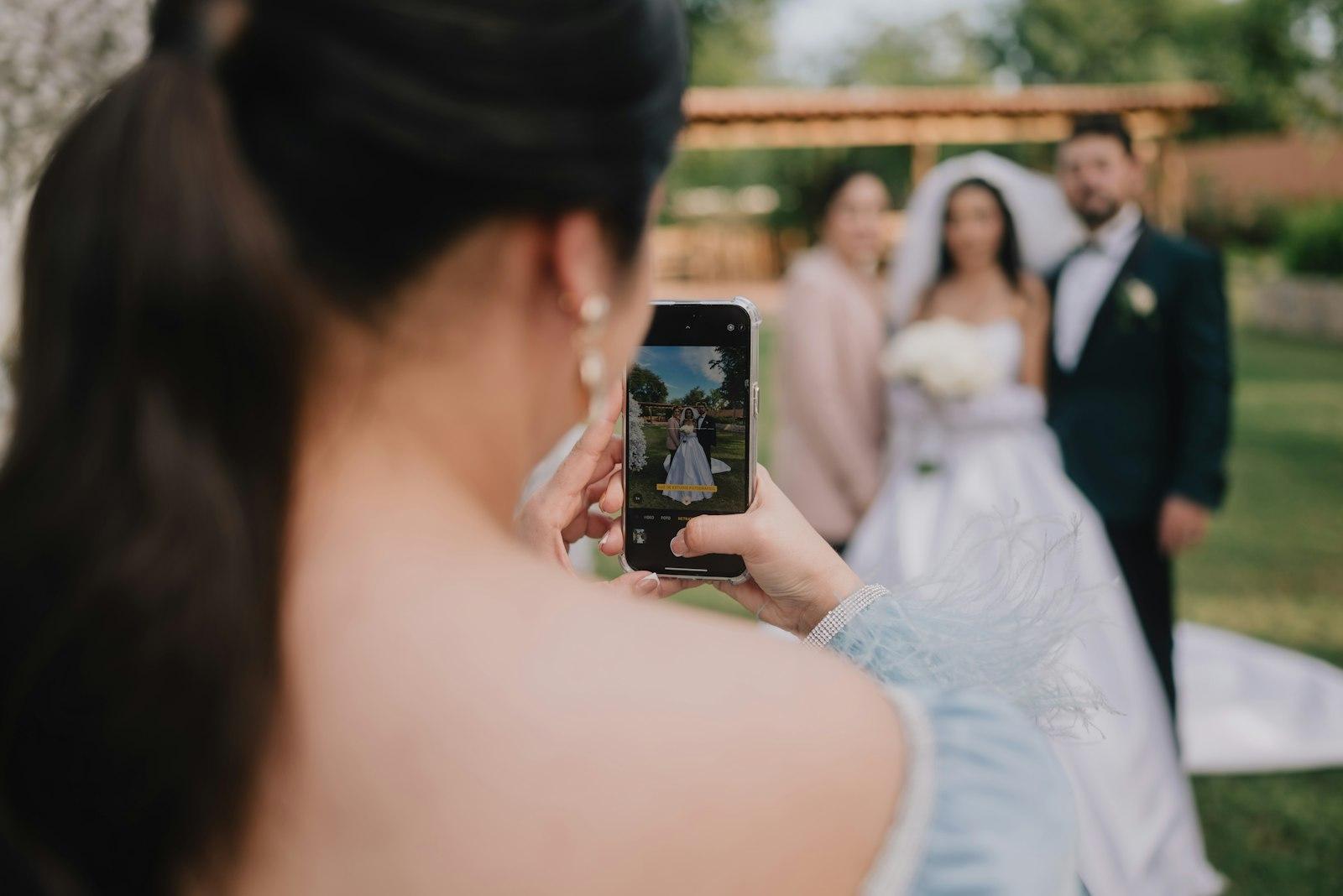
Paper, QR or NFC?
Each has its place. We don't think NFC replaces paper; it completes it.
Invitation formats compared
Mistakes we'd avoid
Before the invitations go out
- Test every batch of tags on at least one iPhone and one Android phone
- Place the tag where people naturally hold the card, and mark it with a small 'tap here' icon
- Keep the page fast on mobile data: compress photos and avoid heavy video on the first screen
- Keep sensitive details (like a home address for a pre-event) behind the RSVP, not on the open page
- Use an unlisted link that's hard to guess, not your names on a public site
- Print the QR code or short link as a fallback for guests who can't tap
- Make sure the page still works years later if you promise 'memories'
Speed matters more than most couples expect. Guests will open the page on patchy venue Wi-Fi and mobile data, so the same rules we apply to business sites apply here. If you want the details, our guide to Core Web Vitals explains what makes a page feel instant on a phone.
Planning something similar for an event or a brand, not a wedding? The same technology works for product packaging, business cards and venues. Tell us what you have in mind.