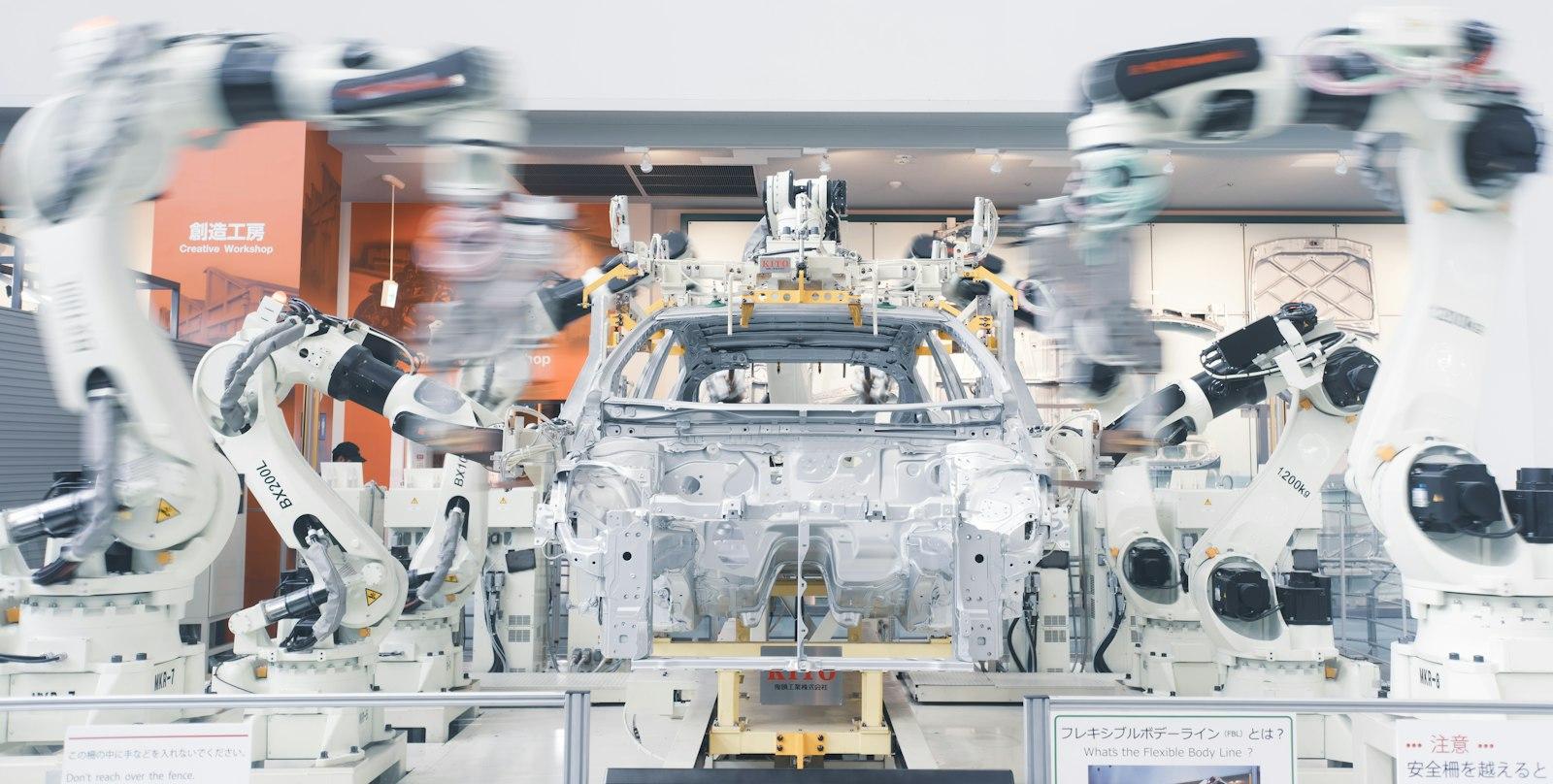
Car factories automated the heavy lifting decades ago. Most offices still haven't automated the copying and pasting.
That's not a criticism. It's an opportunity. When Asana surveyed 9,615 knowledge workers across six countries for its Anatomy of Work Index 2023, it found people spend 58% of their day on "work about work": chasing updates, searching for information, switching between apps and sitting in status meetings, rather than the skilled work they were hired for.
How knowledge workers' days are spent
- Work about work (updates, searching, coordinating)58%
- Skilled and strategic work42%
And the ceiling is high. The McKinsey Global Institute estimated in November 2025 that today's technology could, in theory, automate activities accounting for about 57% of US work hours. Nobody should try to automate everything, but there's clearly a lot of room.
Here are ten workflow automation ideas we'd look at first in a growing business. None of them need a moonshot budget. Most can start with tools you already pay for.
1. Instant lead follow-up
The manual version: a website enquiry lands in an inbox and waits until someone notices it.
Automated: the enquiry goes straight into your CRM, the person gets a helpful confirmation email within seconds, and the right salesperson gets a notification with the details. Speed matters here; people often contact several businesses at once.
2. Quotes and proposals from templates
Manual: copying last month's proposal, changing the name, and hoping you caught every old detail.
Automated: pick a few options in a form or your CRM, and a branded quote is generated with the right prices, terms and client details, ready to send for e-signature.
3. Invoices that send themselves
Manual: someone types up invoices when a job finishes, and chases late payments when they remember.
Automated: when a deal is marked won or a job is marked complete, the invoice is created in your accounting software and sent. Polite reminders go out automatically at set intervals until it's paid. This is one of the clearest wins of connecting your systems, which we covered in API integration: ending double entry.
4. Client onboarding
Manual: a new client signs, and someone works through a mental checklist of welcome emails, forms, folders and kickoff calls.
Automated: signing triggers the whole sequence: a welcome email, an intake form, a shared folder, tasks for your team and a booking link for the kickoff call. Every client gets the same good experience, whoever's on holiday.

5. Appointment reminders
Manual: staff ringing or texting clients the day before.
Automated: reminders by email or SMS go out at set times, with a link to confirm or reschedule. Fewer no-shows, and the freed-up slots can be offered to a waiting list.
6. Order and stock updates
Manual: checking stock levels by eye and updating a spreadsheet after every sale.
Automated: stock adjusts as orders come in from every channel, and you get an alert when something drops below a reorder level. If this one hurts, our post on outgrowing spreadsheets for orders goes deeper.
7. Weekly reports that build themselves
Manual: exporting data from three tools every Monday to build the same spreadsheet.
Automated: a live dashboard pulls from your CRM, accounting and website analytics, and a summary lands in everyone's inbox on Monday morning. Same numbers, zero copy-paste.
8. Review requests
Manual: remembering to ask happy customers for a review, and usually forgetting.
Automated: a few days after a job is completed, the client gets a short, friendly message with a direct link to your Google review page. Reviews feed both trust and local search rankings.
9. Document and data entry
Manual: retyping details from PDFs, receipts and supplier invoices into your systems.
Automated: documents sent to a dedicated inbox are read automatically, the key fields (supplier, date, amount, line items) are extracted, and the record is created for a person to approve. Modern AI tools handle messy, real-world documents far better than older template-based software did.
10. Answering the same questions over and over
Manual: your team answers "what are your hours?", "where's my order?" and "do you deliver to...?" dozens of times a week.
Automated: an assistant on your website and messaging channels answers the common questions from your own information, looks up order status, and hands anything complex to a person with the conversation attached. Our guide to AI agents for business explains what's realistic here.
Automate the work about the work, so your people can get on with the work.
Which workflow automation should you start with?
Not all ten are equal for every business. Two questions sort them quickly: how much time does this eat each week, and how hard is it to automate with the tools you have?
Picking your first automations
| Automation | Can often start with | When it needs a developer |
|---|---|---|
| Lead follow-up, reminders, review requests | Your CRM, booking or email tool's built-in automations | Rarely |
| Invoices and onboarding | Accounting software plus a no-code connector | When your systems don't have ready-made connectors |
| Reports and dashboards | Built-in reports, then a dashboard tool | When data lives in several systems that need joining |
| Stock, orders, document entry, AI assistants | Specialist tools | Often, especially for custom rules or older systems |
Your first automation, this month
- Ask your team which task they repeat most each week, and time it.
- Write down every step of that task, and cut the ones nobody needs.
- Check whether the tools you already pay for can automate it.
- Set it up for one person or one team first, and watch it for two weeks.
- Add an alert for when it fails, so problems are spotted the same day.
- Measure the hours saved, then pick the next task on the list.
Force Media designs and builds workflow automations for growing businesses in Sri Lanka, Australia and beyond, from simple no-code setups to custom integrations and AI assistants. Tell us which task your team repeats most, and we'll show you how to take it off their plate.